
Exporting a CSV File
To export the results, change the campaign status. Click the campaign name and select:

or

Statistics are exported in the CSV format and the UTF-8 encoding.
Exporting Campaign Results
To export all campaign results, go to the Overview page.
In the upper right corner of the Incident Dynamics graph, click Details. 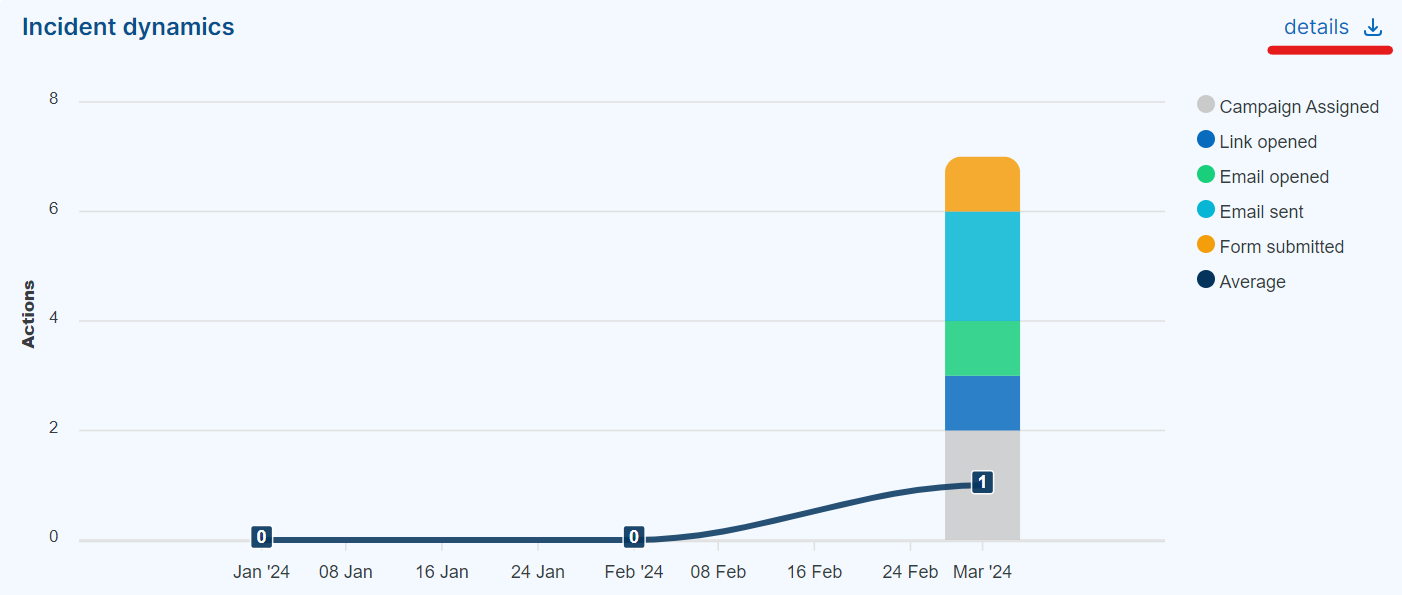
A CSV table will be downloaded: 
Exporting Campaign Events
To export all events related to the campaign, click the campaign name and the button:  .
.
Then:  .
.
A CSV table will be downloaded: 